Billing Documents
It’s easy to view and export the billing documents linked to your organisation and user profile within the Vodafone Business Managed IoT Connectivity Platform.
However, as elsewhere on the platform, you will only see the data you are authorised to see.
To view billing documents
From the menu to the left of the home page, select Reporting then choose Billing Documents from the dropdown menu that appears.
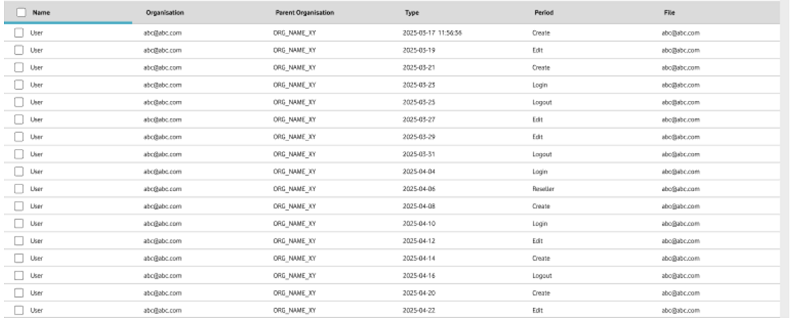
On the Billing Documents page, use the filters to locate the billing documents you want to check. The filters you can use to do this are: Organisation, Name, and Period.
To export a billing document, simply click on Export. You will then be given the option to download it as a PDF or CSV file.
Can't find what you're looking for?

Your IoT administrator
Talk to the IoT administrator in your company. They understand your system best.

