Exporting Serving Networks
You can export the details of a serving network – or radio network used to access Vodafone’s IoT Services – within the Vodafone Business Managed IoT Connectivity Platform, as long as you have the required authorisation level.
To export a serving network
From the menu to the left of the home page, select Configuration then choose Serving Networks from the dropdown menu that appears.
Use the filters - Code, Network name, Country, MCC-MNC use, TADIG code – to search for the serving network you want to update.
Click on Export Serving Network.
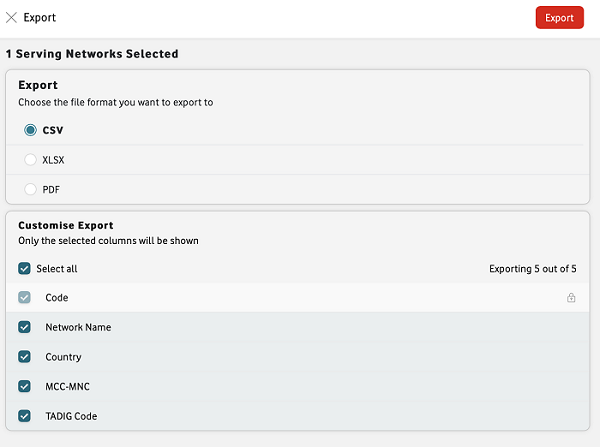
In the Export window, select the best file format for your export.
Select Export. The file will be downloaded to your device.
Can't find what you're looking for?

Your IoT administrator
Talk to the IoT administrator in your company. They understand your system best.

