Editing a user's details
As long as you have the correct authorisation, you can edit a user's details, including their system, roles, and security settings, as well as the frequency with which they receive summary emails, within the Vodafone Business Managed IoT Connectivity Platform . This feature is available for both active and inactive users including yourself, but not for those whose status is "pending". You can also edit your own preferences via the Settings page.
To edit a user's details
- From the menu, select Users.
- On the Users page, select the user you want to edit by clicking on the Username.
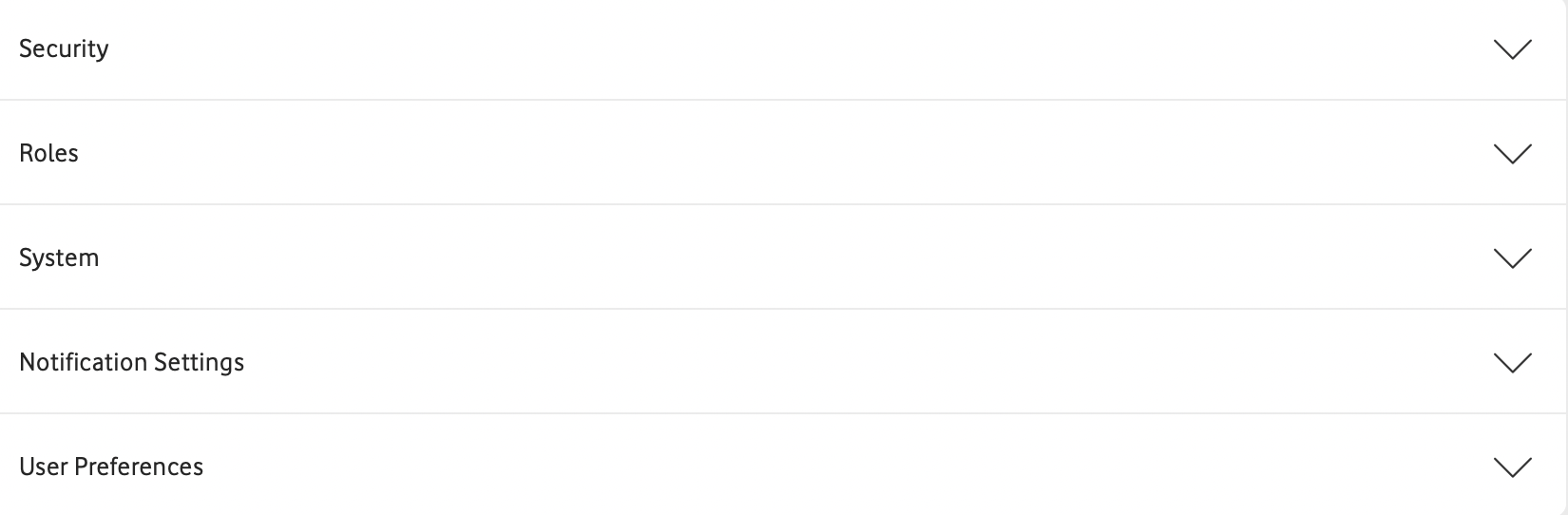
- You will be shown the User Details page for that user. Once there, simply expand the relevant section from the list below the user's name:
- If a
 is displayed on the far right of the field, you can then edit the user's settings as required, before choosing to Save or Cancel your changes. If the settings cannot be edited for any reason, you will see
  instead.
Can't find what you're looking for?

Your IoT administrator
Talk to the IoT administrator in your company. They understand your system best.

